Share Your Profile
After customizing your profile, you can share it with your audience on social media, websites, and more.
This guide will show you how to share your coraline.lol profile with others.
Ways to Share Your Profile
Here are some ways you can share your coraline.lol profile:
- In your Discord bio or status.
- On social media platforms like Twitter, Instagram, and TikTok.
- On your website or blog.
- In your YouTube or Twitch channel descriptions.
How to copy your coraline.lol URL & QR Code
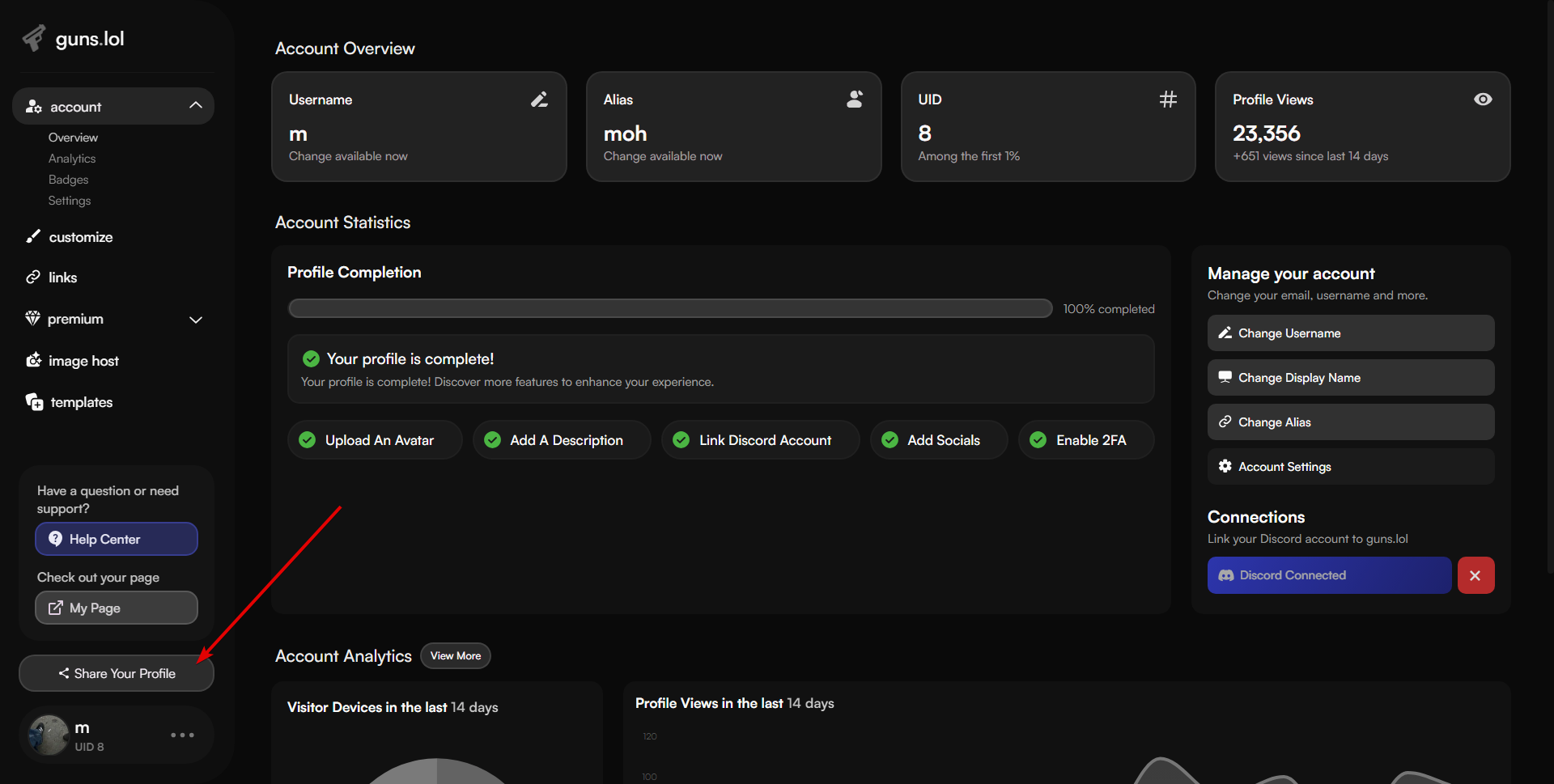
- Head over to coraline.lol/account
- Click on the “Share Your Profile” button on the left sidebar.
- You can copy your profile URL or download your profile QR code to share with others.