Discord Connection
You can connect your Discord account to coraline.lol to enable Discord Presence on your profile.
This feature allows you to display your Discord status on your coraline.lol profile.
Linking Your Discord Account
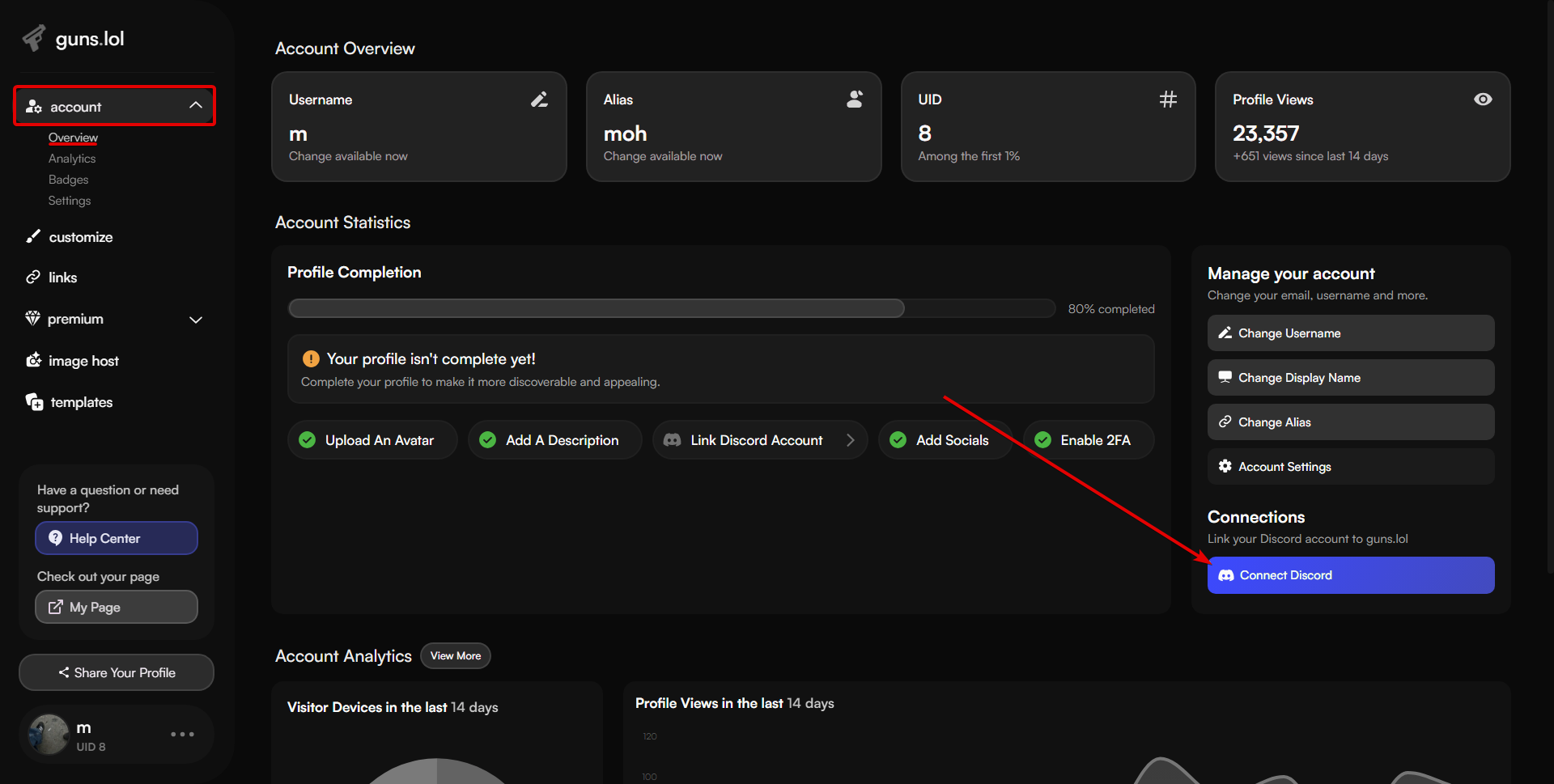
To link your Discord account to coraline.lol, follow these steps:
- Head over to coraline.lol/account
- Click on the “Connect Discord” button.
- You’re all set! Your Discord account is now linked to coraline.lol.
Enable Discord Presence
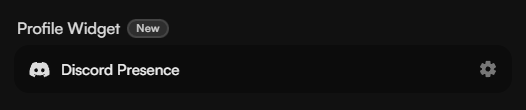
After linking your Discord account, you can enable Discord presence on your profile.
This feature will display your Discord status on your coraline.lol profile.
To enable Discord presence, follow these steps:
- Head over to coraline.lol/customize
- Scroll down to the “General Customization” section.
- Select “enabled” from the “Discord Presence” dropdown.
Don’t forget to click Save Changes after customizing your profile!
Claiming Your Roles on coraline.lol Discord Server
Certain badges on coraline.lol are linked to roles on the coraline.lol Discord server.
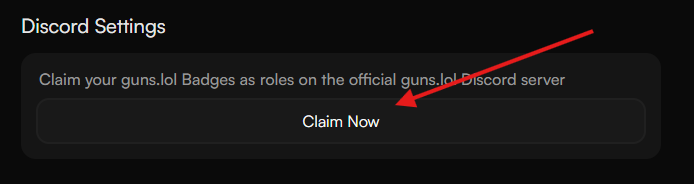
To claim your roles, follow these steps:
- Go to coraline.lol/account/settings
- Scroll down to the “Discord Settings” section.
- Click on the “Claim Now” button.
Unlinking Your Discord Account
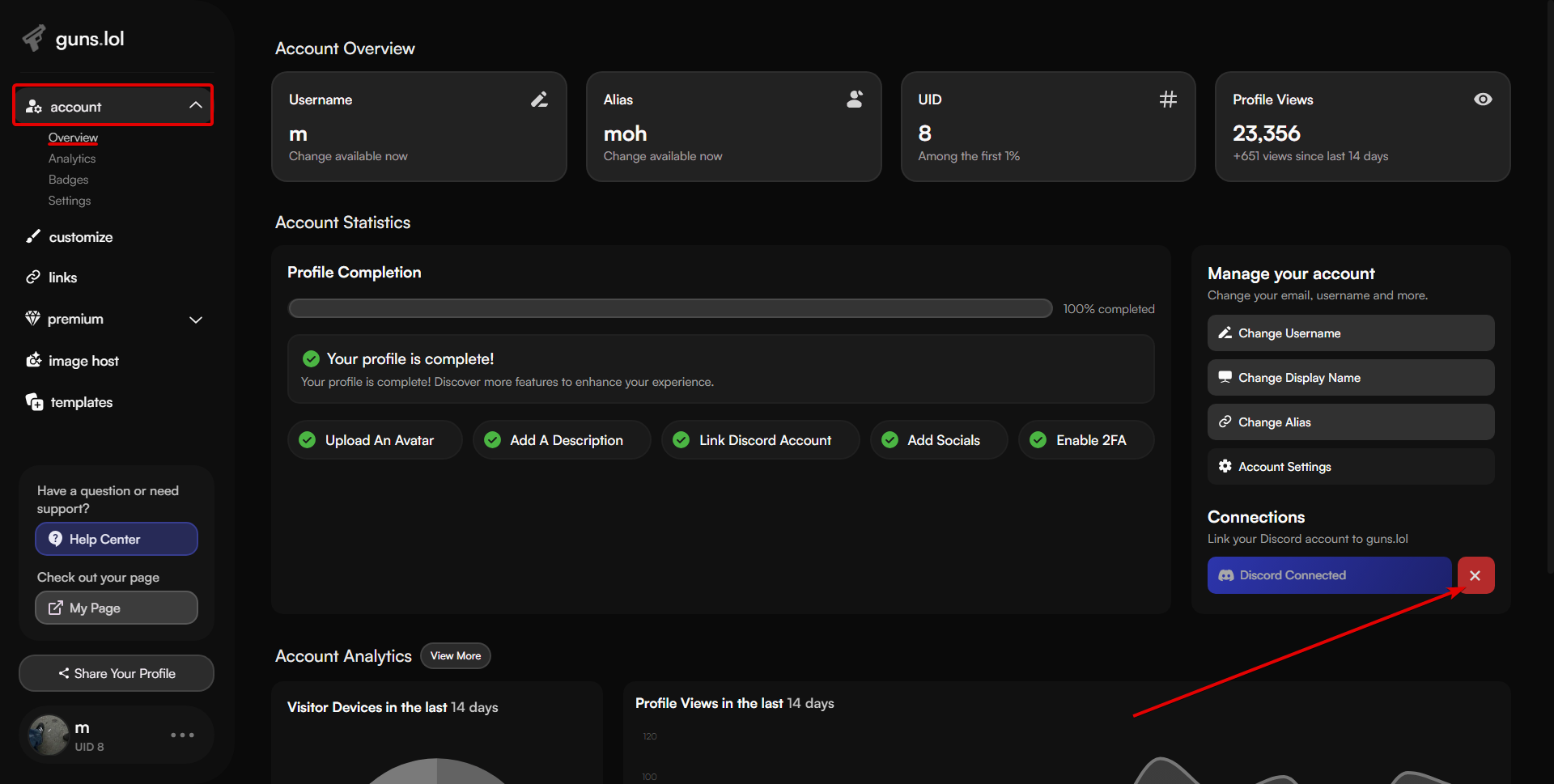
If you want to unlink your Discord account from coraline.lol, follow these steps:
- Head over to coraline.lol/account
- Click on the “X” next to the Discord button.
- Your Discord account is now unlinked from coraline.lol.